Checkout
TPoS
Sell in person with Lightning, card, cash validation, on-chain payments, tips, receipts, and customer-facing device flows.


LNbits for merchants
Accept Lightning, card, cash, and online payments while managing inventory, orders, receipts, and open balances from one LNbits system.
The merchant problem
Merchants still need product lists, stock counts, card payments, receipts, kitchen tickets, online orders, customer notifications, and bookkeeping. LNbits already has the pieces. Merchant Stack packages them into one practical commerce workflow.
The stack
Checkout
Sell in person with Lightning, card, cash validation, on-chain payments, tips, receipts, and customer-facing device flows.
Products
Keep products, prices, tags, quantities, and channel-specific catalog data in one shared source.
Operations
Capture paid orders, line items, totals, exchange-rate data, fulfillment status, and staff or owner notifications.
Online
Sell online from the same inventory with direct pages, iframe embeds, same-origin components, and Lightning checkout.
Hospitality
Open balances for cafes, bars, events, tables, teams, and house accounts, with Lightning or manual settlement.
Deployment
Launch LNbits without server work. Use hosted instances for shops, popups, events, demos, or client onboarding.
In the shop
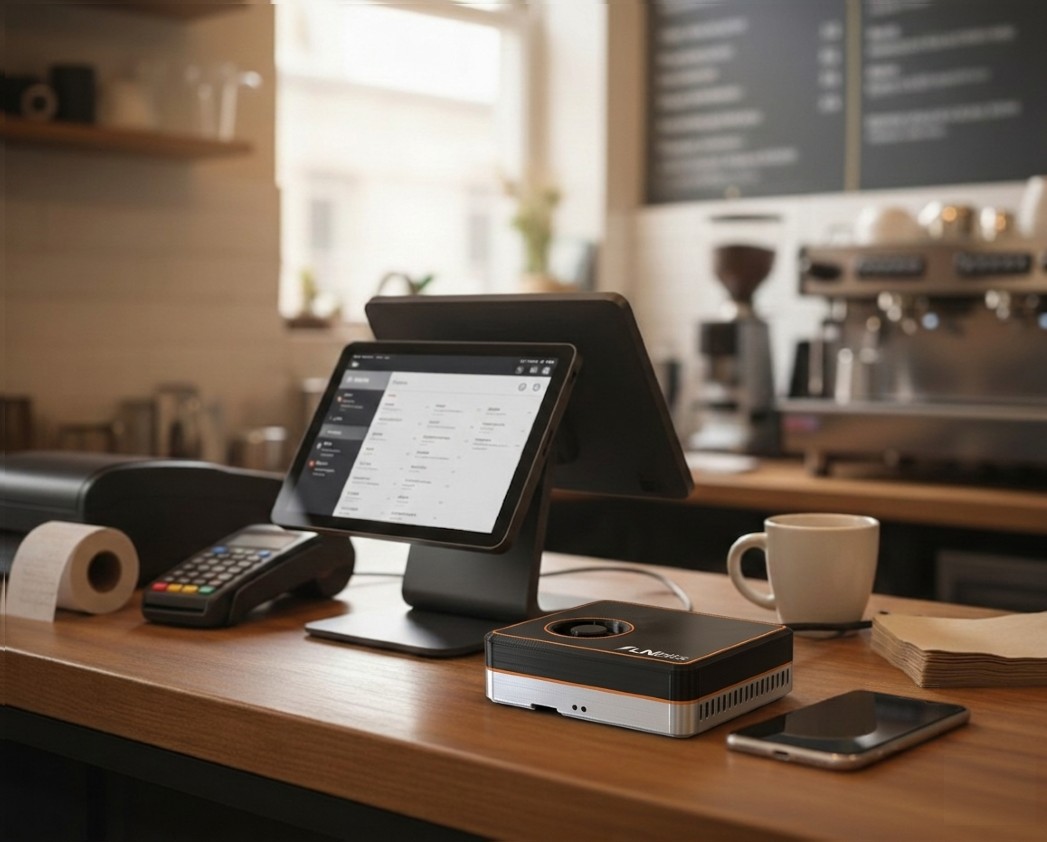
Staff can build the cart on a computer, send the payment to a customer-facing device, take Lightning or card payment, print the receipt, capture the order, and keep stock updated.
01
Use TPoS for Lightning, card, on-chain, and cash workflows with receipt printing and order capture.
02
Use WebShop to expose the same inventory to customers through a public page or embedded shop.
03
Use Tabs for tables, events, staff accounts, hospitality, and recurring customer balances.
04
Keep orders, wallet records, notifications, exports, and accounting integrations connected to the sale.
For merchant advisors
Use LNbits SaaS to spin up merchant stacks for shops, popups, festivals, meetups, and circular economies. A referral/onboarder program can reward people who bring real merchants onto paid SaaS.
Advisor kit should include:
Start focused
SaaS is the shortest path from interest to a working merchant workflow. LNbitsBox and self-hosting stay available for merchants who want deeper control.